
| Advertise
Sponsored Content
Reach and engage a professional audience in the LinkedIn feed.
What you can do with Sponsored Content


Sponsored Content ads come in different formats
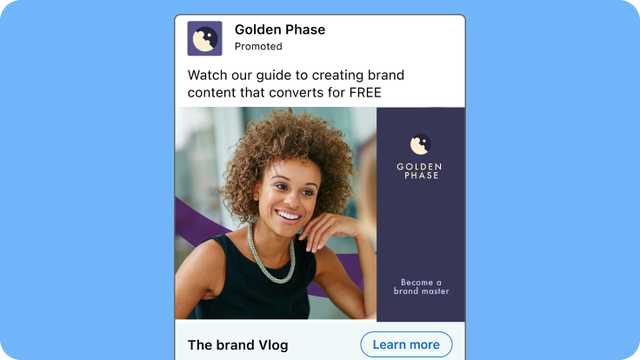
Single image Ads
Promote your message directly in the LinkedIn feed. Target with precision across desktop and mobile devices.
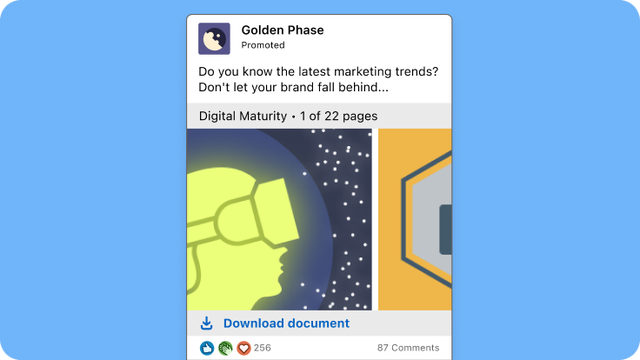
Document Ads
Share valuable and highly engaging content directly with your audience in the LinkedIn feed. No landing page required.
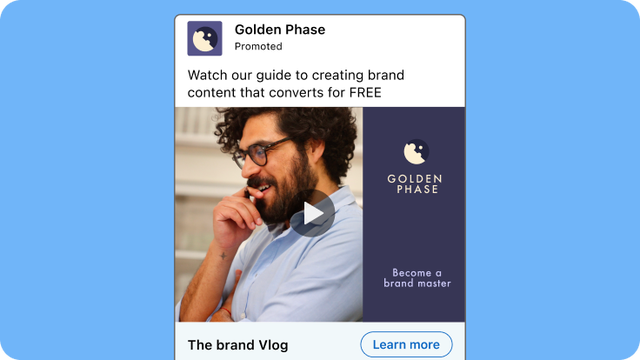
Video Ads
Tell a richer, more compelling story with motion, sound, and engaging narrative delivered directly in the LinkedIn feed.
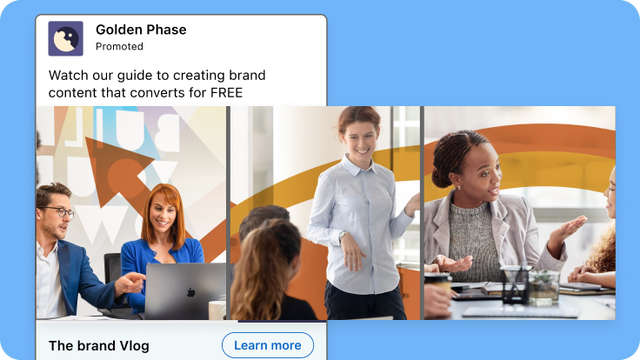
Carousel Ads
Tell a compelling multi-part story with a swipeable series of visually engaging images all within a single ad unit.
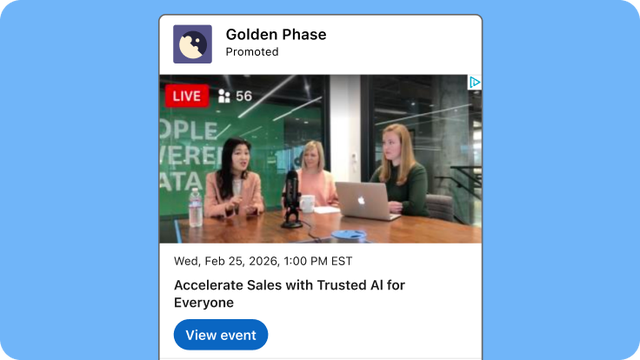
Event Ads
Promote upcoming events directly from the LinkedIn feed to drive registrations and boost attendance.
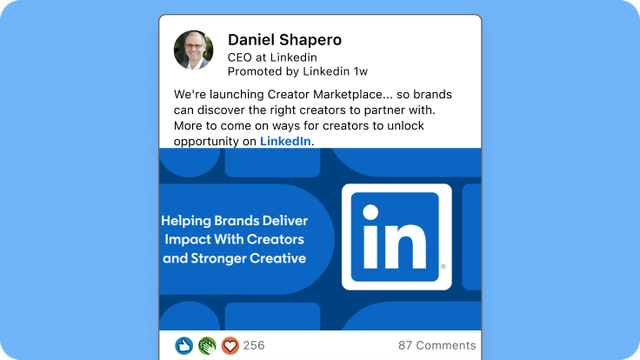
Thought Leader Ads
Promote content from executives, subject matter experts, or employees directly in the LinkedIn feed.
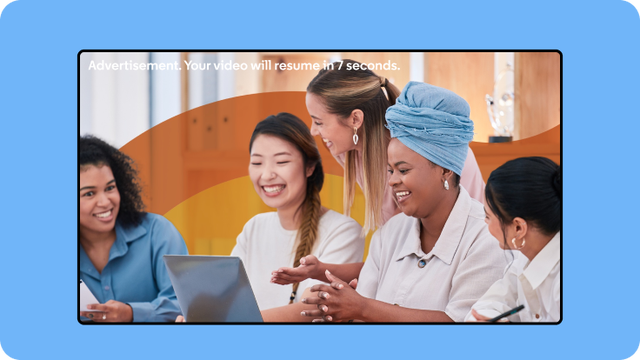
Connected TV Ads
Extend your brand message to premium streaming environments now available through LinkedIn.
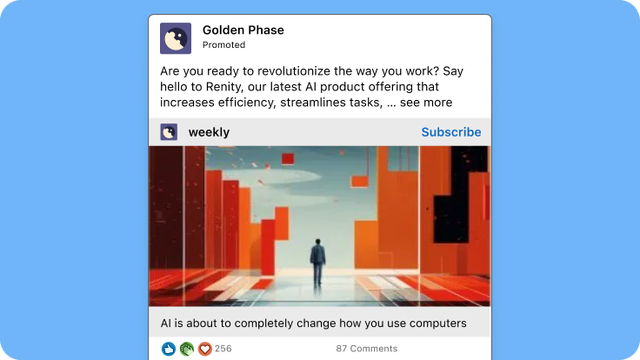
Article and Newsletter Ads
Sponsor long-form content directly in the feed to build thought leadership and drive deeper engagement.
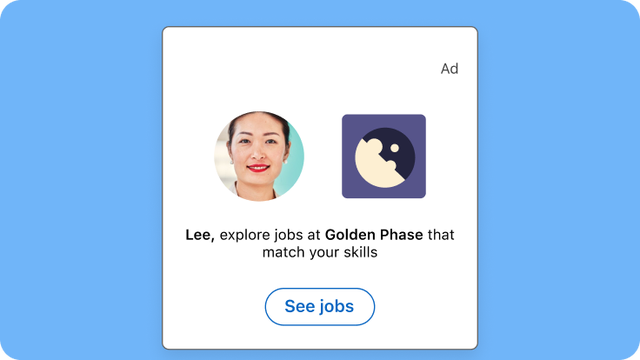
Jobs Ads
Put your open roles in front of the right candidates when and where they’re actively looking to make a change.
Ways to use Sponsored Content

Share thought leadership
Share sponsored content that your brand cares deeply about and your knowledge of the space

Showcase your products & services
Highlight new products or share best practices to drive interest and engagement

Promote an event
Garner interest and grow attendance for upcoming events
How to get started with Sponsored Content

Create a LinkedIn Page
Grow your company’s presence with a free LinkedIn Page. Share content, gain followers, and reach them across LinkedIn.

Promote your content
Create Sponsored Content campaigns to reach your goals, test targeted ads, and capture qualified leads.

Measure and optimize
Measure performance and audience demographics, and use the LinkedIn Insight Tag to track leads and conversions.
How to go further with LinkedIn Advertising
Achieve more with partners and boost your efforts with extra features

LinkedIn Marketing Partners
Choose partners with the specialized knowledge or technology needed to grow your business.


Learning Courses & Certifications
Courses, learning paths, and certifications to grow your LinkedIn marketing expertise.
Learn more about Sponsored Content
Sponsored Content specs
See all the creative requirements for Sponsored Content ads.

Sponsored Content tips
Read these tips to learn how to set up a Sponsored Content Ads.
Frequently asked questions
LinkedIn Sponsored Content is a set of ad formats that help you reach professional audiences, primarily in the LinkedIn feed. In-feed ads look like regular posts with a Promoted or Sponsored label and can appear on desktop and mobile. Some Sponsored Content formats can also appear on the LinkedIn Audience Network, while Connected TV Ads run on streaming TV.
You can choose from formats like image, video, carousel, document, and event ads. That range lets you use Sponsored Content for goals from building brand awareness to collecting leads.
LinkedIn offers many Sponsored Content ad formats, so you can match the format to your message and campaign goal:
- Single image ads: Pair one image with a short message and a call to action (CTA).
- Video ads: Tell your story with sight, sound, and motion in the feed.
- Carousel ads: Share a swipeable series of cards to tell a story or show several products.
- Document ads: Share reports, guides, or presentations that people can read in the feed, with the option to collect leads.
- Event ads: Promote an event and show key details, like the date and time, up front.
- Thought Leader Ads: Sponsor posts from your company's leaders, employees, and other trusted voices.
- Article and Newsletter ads: Promote long-form articles and newsletters to grow readers and subscribers.
- Single job ads: Put an open role in front of qualified candidates.
- Connected TV Ads: Run video ads on streaming TV to reach B2B audiences outside of the feed.
The main difference is where the ads appear. Most Sponsored Content ads appear in the LinkedIn feed as native posts, making them a strong fit for sharing rich content, like images, video, or documents, with a specific professional audience.
Other LinkedIn ad types appear in different places:
- Sponsored Messaging ads go to members' LinkedIn inbox.
- Text Ads and Dynamic Ads appear in the right rail on desktop.
Boosting is a quick way to turn an existing post from your LinkedIn Page into Sponsored Content. It uses simplified settings, so it works well when a post is already resonating with your audience and you want more people to see it.
A Sponsored Content campaign in Campaign Manager gives you more control over your campaign objective, targeting, budget, bid strategy, and ad format. You can also:
- Test several versions of an ad.
- Create ads with formats and settings that aren’t available when boosting.
- Run Direct Sponsored Content ads that don’t post to your Page.
The right Sponsored Content format depends on your campaign goal and the experience you want people to have. For example, video ads work well for brand storytelling, while document ads with Lead Gen Forms work well for lead generation.
Start with your campaign objective. Then pick the format that presents your content most clearly.
Build brand awareness
Make a strong first impression at scale
Single image, video, and Connected TV Ads
Build trust and credibility
Put a trusted voice behind your message
Thought Leader Ads and document ads
Show products or tell a story
Let people explore one step at a time
Carousel and video
Generate leads
Offer useful content in exchange for contact details
Document ads, or single image, video, or carousel ads with Lead Gen Forms
Grow event attendance
Share key event details up front
Event ads
Grow readers and subscribers
Build an audience for long-form content
Article and Newsletter ads
You can measure LinkedIn Sponsored Content results in Campaign Manager. It reports metrics like impressions, clicks, and engagement rate. It also shows demographic data about the people who engaged with your ads, like their job titles and industries.
To get a fuller picture of campaign performance, you can:
- Measure leads and website conversions: See leads submitted through LinkedIn Lead Gen Forms in Campaign Manager. To measure website conversions, set up Conversion Tracking using the LinkedIn Insight Tag or Conversions API.
- See your impact on brand awareness: Run a Brand Lift test, if your campaign is eligible.
- Measure incremental conversions: If your campaign is eligible, a Conversion Lift test compares results from people who saw your ads with a control group that didn’t.
LinkedIn Sponsored Content has no fixed price. You set your own budget and choose from the bidding strategies available for your campaign, so you stay in control of what you spend. Your final cost depends on factors like your target audience, campaign objective, and how much competition there is to reach that audience.
Here’s how pricing works:
- Budget: Set a daily budget, a lifetime budget, or both.
- Bidding strategy: Choose from available bidding strategies, such as maximum delivery, cost cap, or manual bidding. The options depend on your campaign objective and setup.
- How you’re charged: Depending on your objective, optimization goal, and bidding strategy, you may be charged for impressions, clicks, or video views.
Note: Before you launch, you can explore budget and bid settings in Campaign Manager to compare your options.
Achieve all your marketing goals with native ads in the LinkedIn feed.



Talk to a specialist now
Learn more about LinkedIn Ads